$0.00















You want a new kit, barrel, or holster for your Glock. The first question is always the same: what gen is it? Get it wrong and the part won’t fit.
Good news. You can figure it out in about a minute. Grab your pistol, make sure it’s unloaded, and follow along.


That’s it for most guns. Below is how each gen looks, one by one.

Turn the gun so the muzzle points left. Look at the slide near the ejection port. You’ll see the model number, like “19.” On Gen 4, Gen 5, and Gen 6 guns, the gen sits right next to it. The Gen 6 Glock 19 in the photo reads “19 Gen 6.”

No gen mark doesn’t always mean an old gun. A few newer models skip it. The Glock 19X and the Glock 43 are two you’ll run into. If your model is one of those, use the other cues below.


The grip tells you a lot. Run your thumb down the front strap.
Don’t call it from grooves alone. Gen 1, Gen 5, and Gen 6 all have a smooth front.

Look under the barrel, in front of the trigger guard. Gen 3 and newer have a rail for a light or laser. Gen 1 and Gen 2 don’t.
Gen 4 brought a bigger mag release. You can also swap it to the other side for lefties. Older gens have a smaller button.
Gen 4 added swappable backstraps so you can change the grip size. Gen 5 kept them. If your gun came with extra backstrap pieces in the box, it’s Gen 4 or newer.
Most Gen 5 guns have grip cuts at the front of the slide, not just the back. Gen 6 cuts are deeper and set at an angle. Older gens only have rear serrations (some special models are exceptions).
Gen 5 has a slide stop on both sides and a flared magwell. These help you spot a Gen 5 fast.
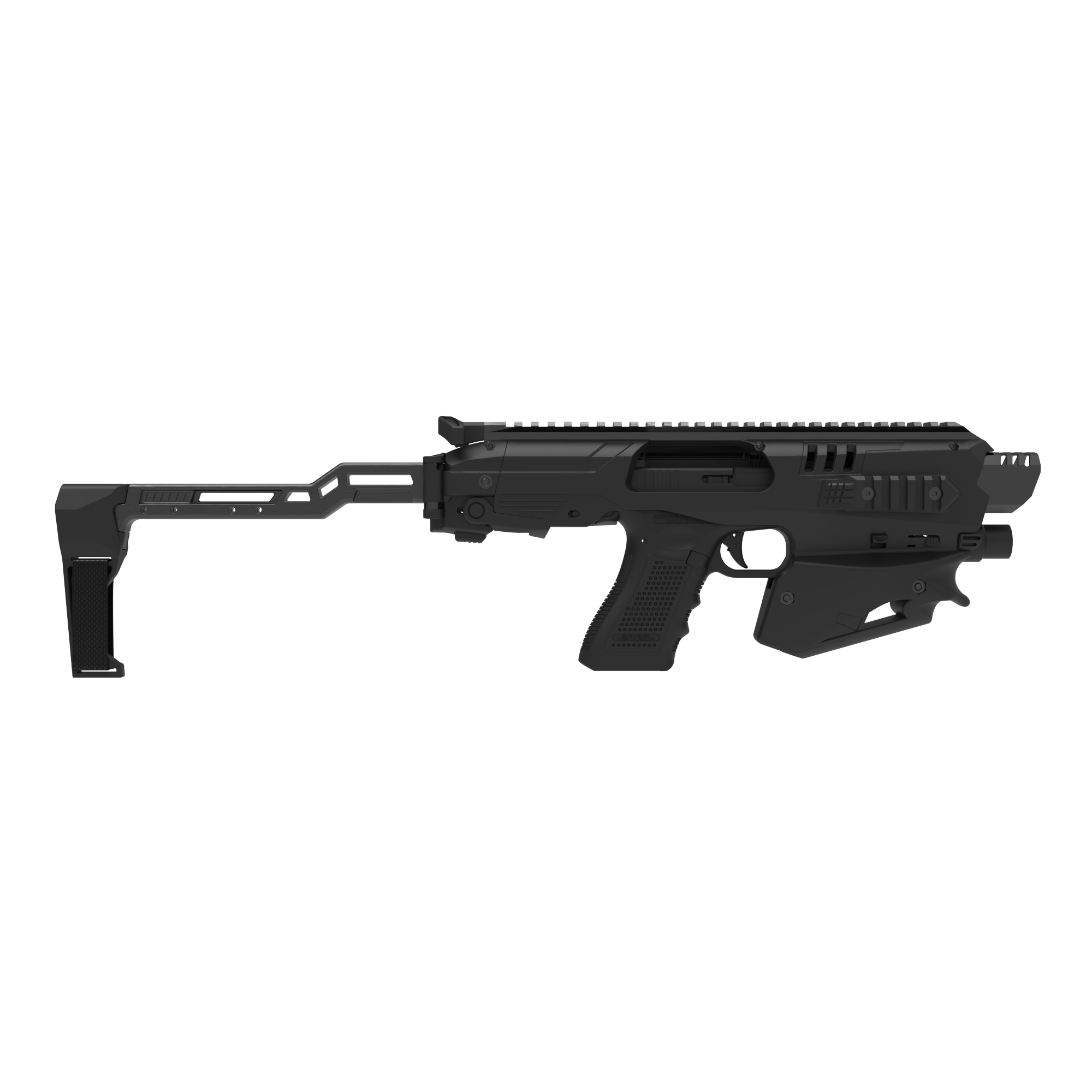
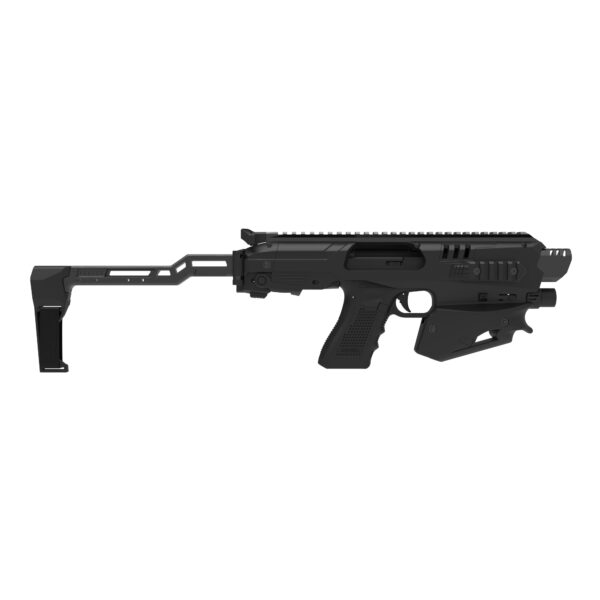
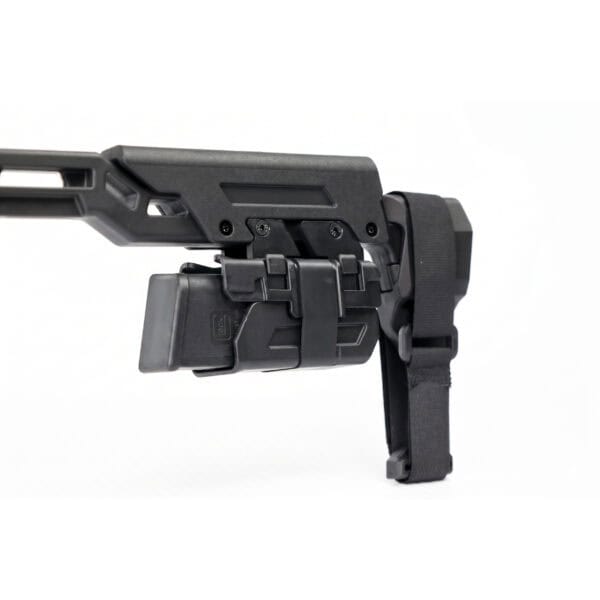
The MCK EVO turns your Glock into a compact carbine-style platform. It fits Glock Gens 3 through 5 on listed models, and the Glock 17, 19 and 45 Gen 6 with the Gen 6 Beavertail Expansion.

No rail, no grooves, and a light pebble grip. Most people won’t run into one. If you do, it’s a collector piece.
Your Gen 1 Glock 17, 19, 22 or 23 works with the CAA MCK 2.0 for Glock 17/19/22/23 Gen 1 & 2. It fits the Glock 17, 19, 22 & 23 Gen 1 & 2.


Still no rail and no grooves. The checkered front strap and backstrap set it apart from Gen 1.
Your Gen 2 Glock 17, 19, 22 or 23 works with the CAA MCK 2.0 for Glock 17/19/22/23 Gen 1 & 2. It fits the Glock 17, 19, 22 & 23 Gen 1 & 2.

Rail up front and no gen mark. Full-size and compact Gen 3 models like the 17 and 19 also have finger grooves (the slim Glock 36 shown here does not). This is the most common “no stamp” Glock.
Your Gen 3 fits the MCK EVO. Listed models include the Glock 17, 19, 20, 21, 22, 23, 26, 27, 29 and 30. Check your exact model with the Does My Gun Fit? tool on the product page.

“Gen4” on the slide, a bigger mag release, rougher texture, and swappable backstraps.
Your Gen 4 fits the MCK EVO. Listed models include the Glock 17, 19, 20, 21, 22, 23, 26, 27 and 29, plus MOS versions of the 17 and 19.

“Gen5” on the slide, front serrations, no grooves, and a flared magwell.
Your Gen 5 fits the MCK EVO. Listed models include the Glock 17, 19, 19X, 20, 21, 22, 23, 26, 27 and 29, plus several MOS versions and the 47 MOS.

Your Gen 6 fits the EVO too. The Glock 17, 19 and 45 Gen 6 drop into the MCK EVO with the Gen 6 Beavertail Expansion. It’s a quick swap with no gunsmithing.
Glock announced Gen 6 in December 2025. The first models are the Glock 17, 19, and 45 in 9mm. They hit stores in January 2026.
Here’s what to look for:
If your gun has a flat trigger and a palm swell, you have a Gen 6. You can see the flat trigger and the “Gen 6” slide mark in the Step 1 close-up. Gen 5 has a curved trigger and no palm swell.

Turn the gun so you see the right side.
On factory guns, all three numbers usually match. If the slide or barrel was swapped, they won’t. Go by the frame.
Roughly. Glock serials start with letters, and the letter groups were issued in order over time. So a prefix can point to an era. But Glock doesn’t publish a prefix chart, and online charts don’t always agree. For an exact date, ask Glock (below).
Not by itself. Glocks from more than one gen were built in the same years, so a date doesn’t lock in a gen. Use the slide mark, grip, and frame cues above.
Glock’s own FAQ says you can get your pistol’s “born on” date from customer service. Email GLOCKCustomerService@glock.us with your serial number. For U.S. guns, Glock, Inc. is in Smyrna, Georgia, phone 770-432-1202.
Tip: Don’t post your full serial number online. Blur it in photos.
| Feature | Gen 1 | Gen 2 | Gen 3 | Gen 4 | Gen 5 | Gen 6 |
|---|---|---|---|---|---|---|
| Gen mark on slide | No | No | No | Yes | Yes | Yes |
| Finger grooves | No | No | Yes | Yes | No | No |
| Grip texture | Light pebble | Checkered front/back | Pebble | Rougher | Pebble style | Dual texture, more coverage |
| Accessory rail | No | No | Yes | Yes | Yes | Yes |
| Swappable backstraps | No | No | No | Yes | Yes | Yes |
| Mag release | Small | Small | Small | Larger, reversible | Larger, reversible | Reversible |
| Front slide serrations | No | No | No | No | Most models | Yes, deeper and angled |
| Flared magwell | No | No | No | No | Yes | — |
| Trigger face | Curved | Curved | Curved | Curved | Curved | Flat |
| Palm swell / big beavertail | No | No | No | No | No | Yes |
Swipe sideways to see every gen on a phone. — = not confirmed in Glock’s published specs.
Photo credits: Glock 17 Gen 5 by Tony Webster and LeoPavouk, CC BY 2.0; Glock 17 Gen 5 close-up by Tony Webster, CC BY 2.0; Glock 17 Gen 1 by Patcrad, CC BY-SA 4.0; Glock 17 Gen 2 by Hrd10, public domain; Glock 20 Gen 2 by Americanknowledge96, CC BY 4.0; Glock 36 Gen 3 by Z6ehswhha5HGRTd, CC BY-SA 4.0; Glock 19 Gen 4 by TacticalGuy, CC BY-SA 4.0; Glock 19 Gen 4 by Martin1998cz (1, 2, 3), CC BY-SA 3.0. Licenses: CC BY 2.0, CC BY 4.0, CC BY-SA 4.0. Some photos were cropped and annotated; annotated versions are shared under the same license. All other photos: CAA USA.

 1st Responders Discounts
© 2026 RIGHTS RESERVED CAA USA LLC // Meta Tactical LLC // Proudly Designed, Developed & Made in the USA By Plastimold Products LLC
The logos and brand names of third-party companies displayed on this website are trademarks of their respective owners. These companies are not affiliated with us, do not sponsor or endorse our products, and have not authorized the use of their logos. Logos appear solely to identify products with which our items are compatible. For genuine products from those manufacturers, please visit their official websites.